
Technology
How AI SEO Is Changing the Future of Website Rankings in 2025
2.3k 40

Feb 18, 2025
computer repair
Team GlyteTech
In today's digital world, your computer is essential to both your work and personal life. However, like any machine, computers are prone to wear and tear. Recognizing the early warning signs that your computer needs repair can help you avoid costly breakdowns and data loss. In this article, we’ll walk you through the top 5 signs that indicate your computer may need professional attention before it completely fails.
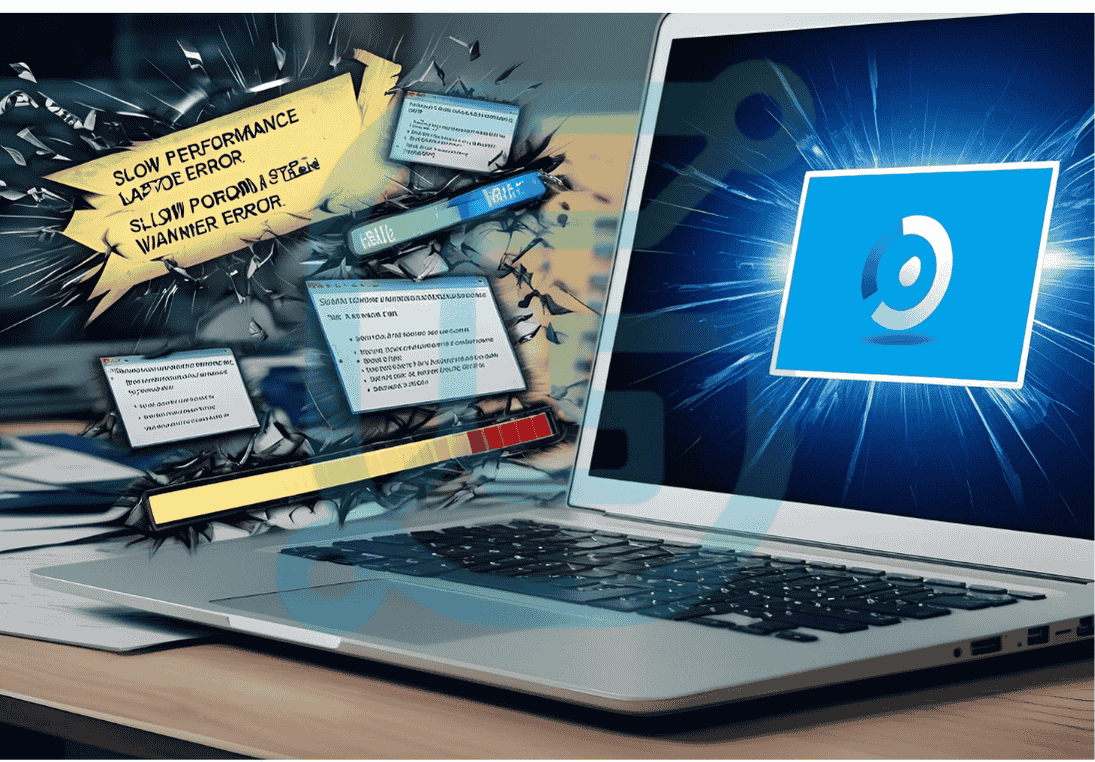
If your computer is taking longer than usual to boot up, open files, or run applications, it's a clear sign that something is wrong. While occasional lagging is normal, persistent slow performance and frequent freezing can be signs of a failing hard drive, insufficient RAM, or a software issue. Don’t ignore this issue, as it could get worse over time, leading to a total system crash.
Overheating is a common problem in computers, especially laptops. If your computer becomes hot to the touch or makes loud fan noises, it’s a red flag. This could be due to a buildup of dust in the cooling system, a malfunctioning fan, or an issue with thermal paste. Ignoring this could lead to overheating that damages critical components like the processor or motherboard.
Frequent error messages or random system crashes are signs that your computer’s software or hardware is struggling. If your system crashes unexpectedly or throws up frequent blue screens of death (BSOD), this may point to hardware failures, software conflicts, or faulty drivers. If left unchecked, these problems can lead to data corruption and loss.
Weird behavior such as programs opening or closing on their own, odd cursor movements, or constant pop-up ads can indicate that your computer is infected with malware or viruses. These issues should be addressed immediately to prevent further security risks and potential data loss. Running regular antivirus scans can help, but if the issue persists, professional repair services may be necessary.
If your computer is having trouble connecting to the internet, it could be a sign of an issue with your network card, Wi-Fi driver, or operating system. While simple troubleshooting like restarting the modem or updating drivers might resolve the issue, continued connection problems may signal underlying hardware issues that require professional repair.
If you notice any of these signs, it’s important to act quickly before your computer becomes completely unusable. Here's what you can do: 1. Back Up Your Data: Regular backups ensure that even in the event of a complete failure, your important files remain safe. 2. Run Diagnostics: Many computers come with built-in diagnostic tools that can help pinpoint the issue. 3. Contact a Professional: If you're unable to resolve the issue yourself, contacting a professional computer repair service is the best option. They can accurately diagnose and fix hardware and software problems.
At GlyteTech, we offer expert computer repair services to diagnose and fix your computer’s issues before they turn into major failures. Whether you need a hardware replacement, software optimization, or virus removal, our team has the experience to handle it all. We serve businesses and individuals in Mumbai, Navi Mumbai, and beyond, ensuring your computer stays in top working condition.
Identifying the signs that your computer needs repair is essential to avoiding major disruptions in your work and personal life. Don’t wait for a catastrophic failure to occur. Stay proactive and take action as soon as you notice any of the top 5 signs. Reach out to GlyteTech for professional computer repair services, and keep your system running smoothly for years to come.
.png?updatedAt=1746380965509)