
Technology
How AI SEO Is Changing the Future of Website Rankings in 2025
2.3k 40

Feb 10, 2025
custom PC
Team GlyteTech
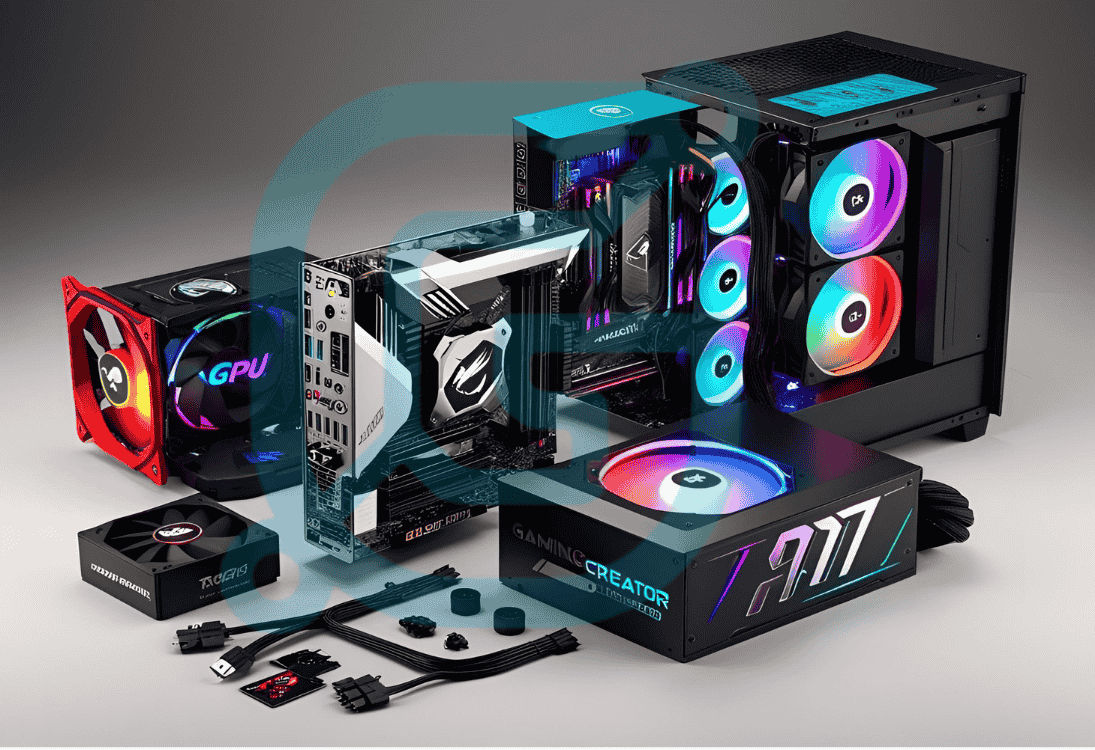
Building a custom PC offers you complete control over every aspect of your computer, from its power to its design. In 2025, more power users and creators are opting for custom-built PCs to get the best performance for tasks like gaming, video editing, 3D rendering, and software development. Unlike pre-built systems, a custom PC is tailored to your specific needs, whether you need maximum performance, efficient cooling, or aesthetics that match your style. Here’s how to build the perfect custom PC in 2025.
1. CPU (Central Processing Unit): The CPU is the heart of your custom PC. For power users and creators, go for high-performance chips like the Intel Core i9 or AMD Ryzen 9, which offer exceptional multi-threading capabilities, making them ideal for tasks like video rendering, gaming, and running multiple applications simultaneously. 2. GPU (Graphics Processing Unit): If you’re a gamer or content creator, the GPU is just as important as the CPU. Opt for powerful options like the NVIDIA GeForce RTX 4080 or AMD Radeon RX 7900 to ensure smooth gameplay or high-quality rendering. 3. RAM (Random Access Memory): For seamless multitasking and running memory-heavy applications, 32GB to 64GB of DDR5 RAM is recommended. This ensures your PC can handle resource-intensive tasks without slowing down. 4. Storage: Modern NVMe SSDs like the Samsung 980 Pro offer blazing fast read and write speeds, perfect for loading games, large files, and software. A 1TB or higher SSD paired with a larger HDD (for storing files) offers a good balance of speed and capacity. 5. Cooling System: To prevent your custom PC from overheating, invest in a high-quality liquid cooling system or air cooling system depending on your preference. Ensure proper airflow within your PC case to avoid thermal throttling and keep your system running smoothly.
Once you’ve selected your components, it’s time to assemble your custom PC. Start by installing the CPU and RAM on the motherboard, then mount the motherboard in the case. Install the GPU, storage devices, and cooling solutions carefully, ensuring proper connections for optimal performance.
In 2025, custom PC builds are not just about performance—they’re also about aesthetics. Choose a PC case with a sleek design and add RGB lighting to match your style. Cable management is essential for both functionality and appearance, so ensure your cables are neatly organized for airflow and aesthetics.
At GlyteTech, we specialize in building high-performance custom PCs for gamers, creators, and power users. Whether you need a gaming rig, a content creation powerhouse, or a workstation for professional applications, we can help you design and build a machine that meets your exact specifications. With top-tier components and expert assembly, GlyteTech ensures that your custom PC delivers peak performance and reliability.
Building the perfect custom PC in 2025 is all about choosing the right components, assembling them correctly, and ensuring you have a system that meets your specific needs. Whether you’re gaming, creating, or working on intensive tasks, a custom PC will give you the power and flexibility you need to excel.
.png?updatedAt=1746380965509)